


UOCAVA renewal template
UOCAVA renewal template
Military and overseas voters face particular challenges while voting from outside of the US. Use this email template to reach out to your UOCAVA voters to remind them to reapply for the Federal Post Card Application (FPCA) each election.
Overseas voters want to know their vote is valued. In our research, several participants we spoke to weren’t sure all the trouble they went through was valued. Proactively reaching out with this email template is one way to establish a relationship, and to show UOCAVA voters that their vote is valued.
This template also includes best practices for inviting voters to take action, based on research and years of work. It has a clear call to action and transparent dates.
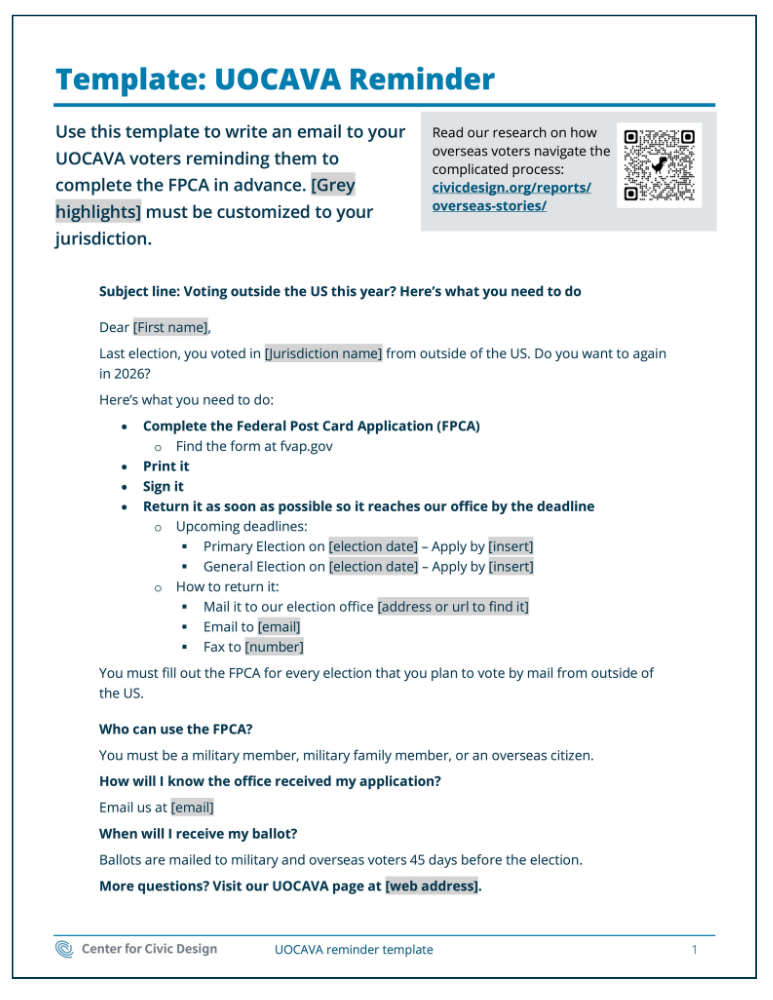
UOCAVA renewal template
Get started with the editable file below.
Or see this template as a pdf.
Download template (.docx)Key elements of a UOCAVA renewal example
-
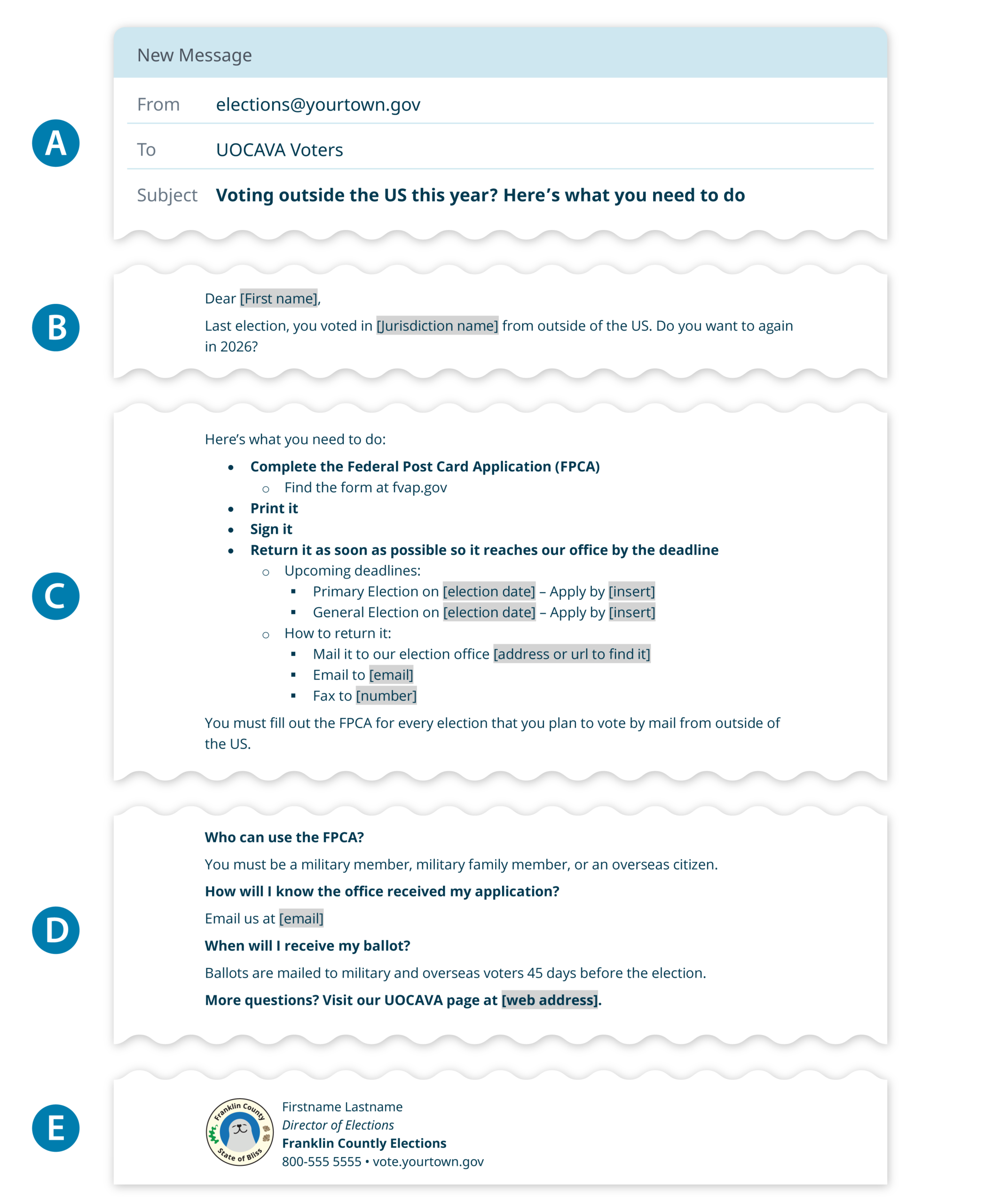
The subject line
Write an informative subject line that explains the problem. The “from” email should feel official and make the voter trust that it comes from your office. .gov is best. -
The reason
Explain why they are receiving the email. -
The call to action
Put steps in the order they should be done. Use short, action driven writing. Use bullet points and indents to create a logical flow. Include dates and links. -
The FAQ
This is extra information. Don’t expect everyone to read the entire email. Link to more details on your website, or tell voters how to get more information.
How to write an effective UOCAVA renewal email using our template
We recommend these main tips to write an effective UOCAVA renewal email.
Speak directly to the voter
Use mail merge to include the voter’s name.
In the intro paragraph, show that you know the voter’s past voting preference “last election, you did this”. This explains why they are receiving the email, and helps foster a sense of familiarity.
Use words voters know
Don’t expect voters to know the term UOCAVA. Instead, use more familiar language like “voting from outside of the US” or “voting by mail.” If you’re directing voters to the Federal Post Card Application, be sure to write out the full name the first time you mention it.
Include answers to frequently asked questions
Be proactive by including answers to the most frequently asked questions at the bottom of the email. Your goal isn’t to prevent all questions, but rather to weed out the common ones so that you have time to focus on more complicated questions that might come in. Include links to more information on your website.
This also makes the email easier to find later. Many email clients index the full message when users search their inbox. Use keywords like “deadline,” “ballot,” and “how to apply” to help voters find your email using search. Since UOCAVA voters may not be getting many other voter outreach materials from your office, this email can help them return to the key details if they need more details between now and the next time you anticipate sending an email.
Optimize your email to load quickly
Overseas voters may not have access to high-speed internet. Make your emails text based. Only include necessary images or attachments, and consider compressing them to reduce file size while maintaining quality.
Customize the template to work for you
Everyone’s UOCAVA renewal is a little different, so these templates are designed to be flexible.
How will you send this?
This is an email template. But you could adapt this into a mailed letter or even a call script, depending on how your office typically communicates with UOCAVA voters.
Test your work as you go
As you make changes, make sure to:
- Check mailmerge/automation is pulling the correct fields
- Check that it looks good on both mobile and computer screens
- Check that all links work and go to the correct url
Tell us what you think
This year, we’re working to share tools that you can use immediately to make more effective voter-facing materials.
We’re building this toolkit in the open and want your input:
- Do you have feedback on this template?
- Can we help you problem solve how to design for your UOCAVA process?
- Do you have data on how many people successfully use your existing UOCAVA renewal process? What have you seen work well or not work well?
We’d love to hear from you. Email us at hello@civicdesign.org

© 2025 Center for Civic Design