


Provisional form checklist job aid
Provisional form checklist job aid
Forms are at the heart of the provisional voting process.
If a voter walks out without signing the form, or leaving other critical fields blank, your office won’t learn about it until it’s time to it’s too late to correct. The time to correct mistakes is when they happen.
This job aid helps poll workers complete a final check of the provisional voting form while the voter is still there and there’s still time to correct mistakes.
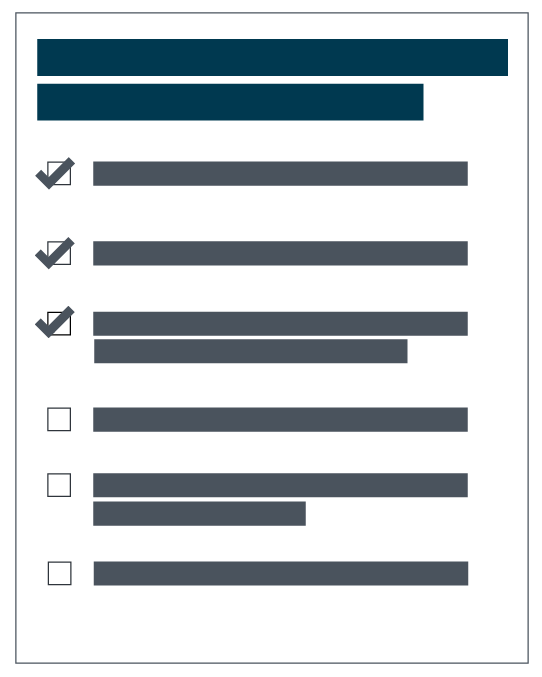
Checklist job aid template
Design tips for creating effective checklists for poll workers
Form-completion checklists help poll workers quickly check that a form has been filled out correctly and that no required fields have been missed. They work as a second set of eyes before a form is submitted, collected, or placed with other election materials.
Match the checklist to the form
Use the exact or nearly exact field names that appear on the form. This helps users quickly identify the matching field and check for completeness.
Follow the form’s visual order
Organize the checklist in the same order that fields appear on the form. This creates a simple visual connection between the checklist and the form.
Use one checkbox per field item
Each checkbox should represent one field on the provisional affirmation that needs to be checked for completeness. The checklist should only be used to confirm that required fields have been filled out, not whether:
- the information is accurate
- the voter is eligible
- or that other requirements have been met
Avoid combining multiple fields into a single checkbox.
For example:
If the form has a separate field for first name, middle initial, and last name, list each as separate items on the checklist.
Specify which fields are required
Make it immediately clear which fields must be completed. This prevents poll workers from treating every field as equally important.
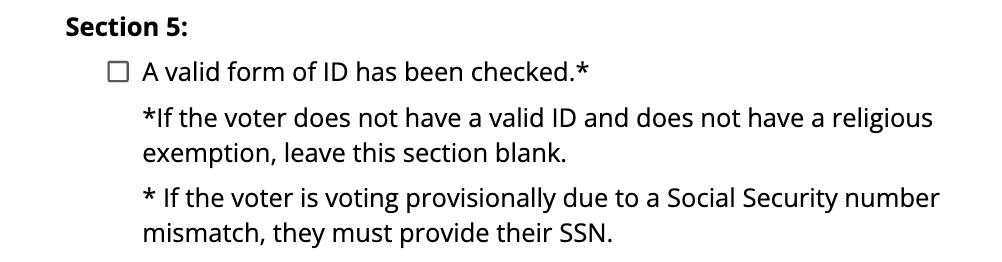
Include conditions
Some fields only need to be completed in certain circumstances. Make those conditions explicit. When presenting conditional requirements, say “if” before “then”. Since these fields don’t apply to everybody, if-then statements help voters quickly identify if the field is necessary to complete.
Start with the situation or condition, then explain what the user needs to do.
If [this applies to you], then [complete this field].
This helps voters and poll workers decide IF the instruction applies to them first, before telling them what action to take.
For example:
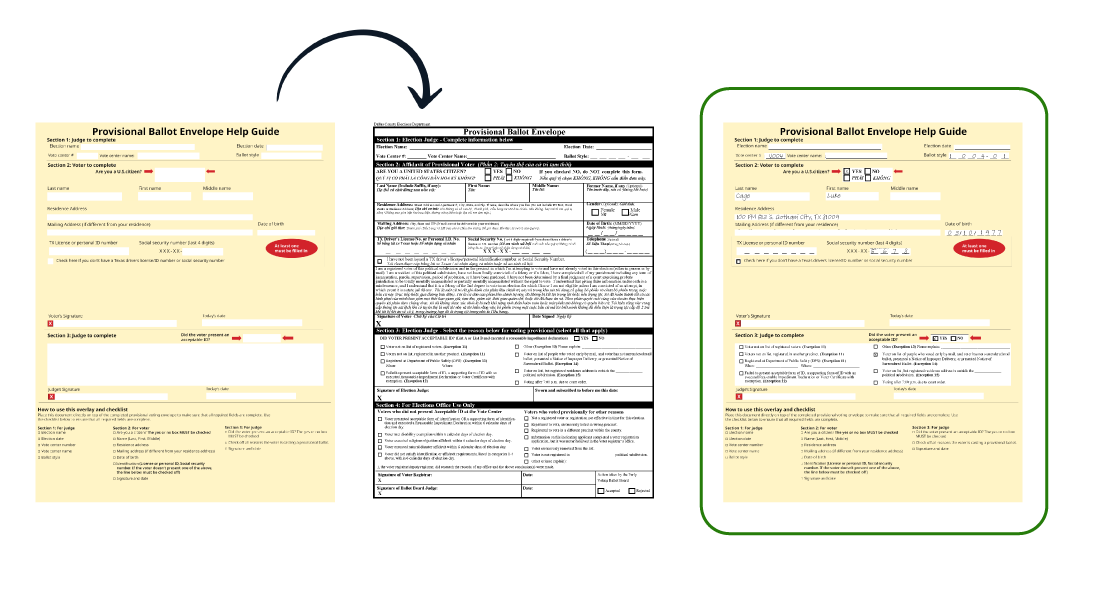
Consider a form overlay
If possible, visually arrange the checklist so users can quickly connect each checklist item to its location on the form. For frequently used forms, consider creating a transparent or cut-out overlay that can be placed directly on top of the form.
The overlay can highlight the fields that need to be completed.
How to use this tool
Provide this job aid to poll workers to use at the provisional voting table. This tool is meant to be used as a reference document. You could laminate it or tape it to the table so that it is easy to find and use during each provisional voting interaction..
Editing and printing instructions
This template will need to be edited to match the forms that your office uses during the provisional voting process. Because there is so much variety in the forms that jurisdiction’s use, this template will need a high degree of individualization. Edit all highlighted text that’s inside brackets, like the example here: [Replace your content]
This template is designed to be printed on standard letter sized paper.

© 2025 Center for Civic Design